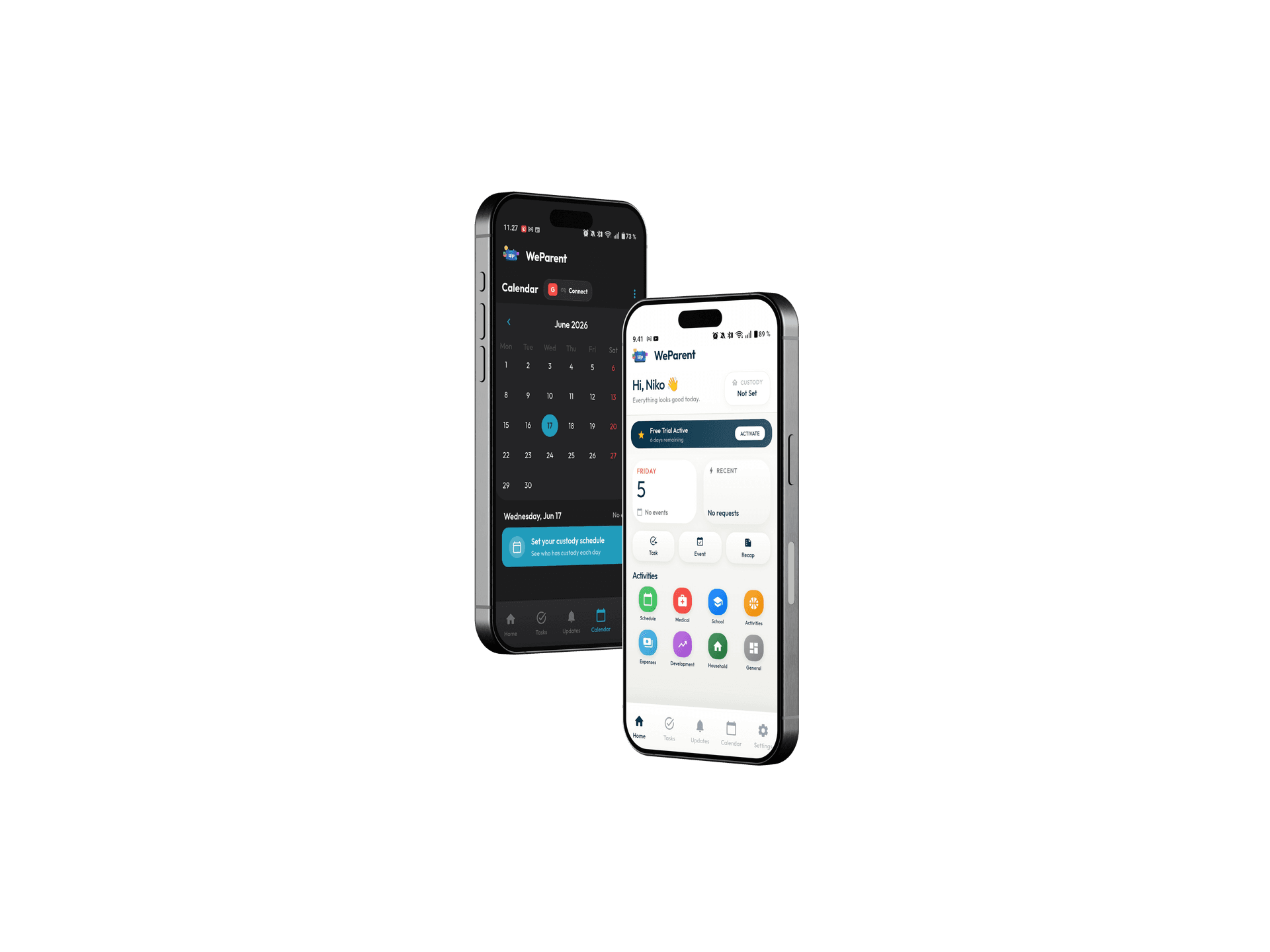

WeParent

WeParent Together,
Peacefully

Real peace of mind, priced lower than your morning coffee

Download on the App StoreGet it on Google Play

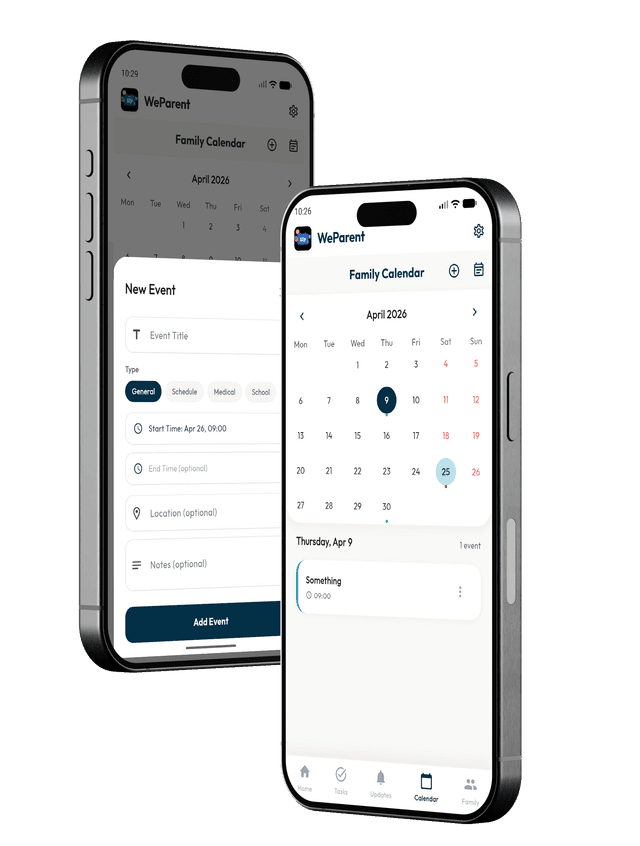
Shared Calendar

Keep custody schedules, school events, and pickups perfectly in sync. Both parents always know what is happening - no more confusion or double-booking.
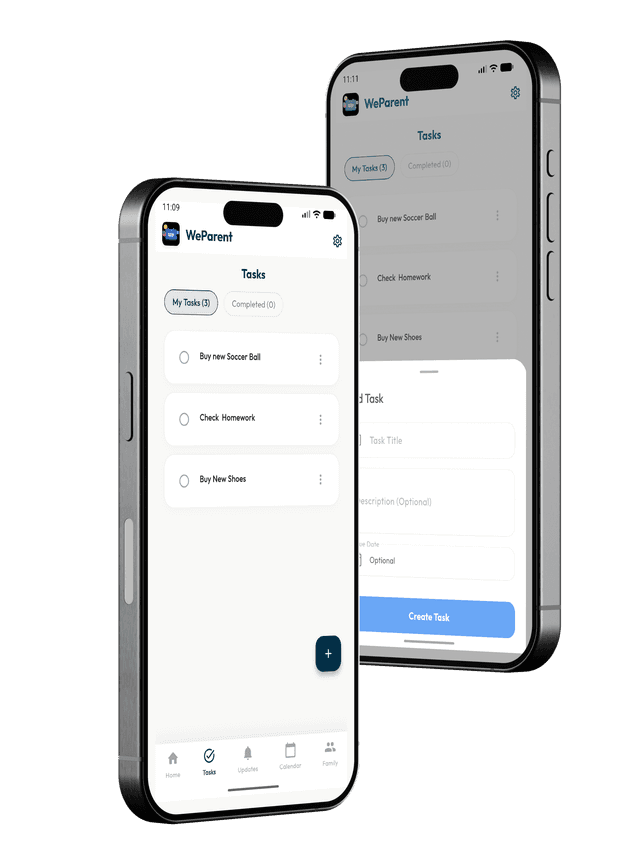
Task Management

Assign responsibilities with due dates and track progress together. From doctor appointments to school supplies, everyone stays on the same page.
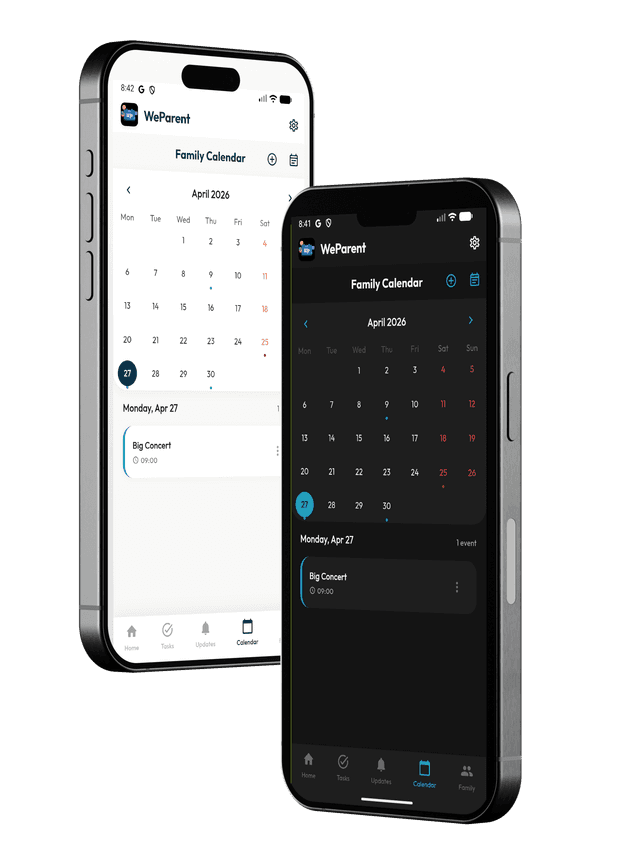
Always in Sync

Both parents see the same schedules, expenses, and updates in real time. No more "I didn't know about that."
Stay Connected,
Anytime

Follow us on social media for parenting tips, success stories, and community support

Expense Tracking

Split costs fairly with automatic calculations and receipt uploads. Keep a clear record for tax time or legal documentation.

Secure & Private

Your family data is encrypted and protected. Only you and your co-parent can access your shared information - completely private and secure.

Less Conflict, More Parenting

Tools that reduce friction so you can focus on what matters.

Frequently Asked Questions

Subscription & Billing

WeParent is available for €3.99/month or €39.99/year. Prices may vary by country. Subscribe through the app.
You can cancel your subscription at any time through your device's app store. On iOS, go to Settings → Apple ID → Subscriptions. On Android, open Google Play → Subscriptions. Your access will remain active until the end of your current billing period. If you want to permanently delete your account and all associated data, visit weparent.io/delete-account
After cancelling, you will keep access to premium features until the billing period ends. Once it expires, you will lose access to WeParent.
Yes. You can manage or update your subscription from Settings → Subscription. Any changes will be applied according to your current billing cycle.
This is normal. Cancellation stops future renewals but does not remove access immediately. You keep full access until the end of the paid period.
Charges for WeParent are processed through your app store. On iOS, contact Apple Support at reportaproblem.apple.com. On Android, contact Google Play Support. If you still need help, reach us at hello.weparent@gmail.com and we'll do our best to assist.

Family & Members

Go to Family settings and invite a new member using their email or invite code. They'll be added once they accept the invitation.
Each subscription supports up to 2 family members.
You can remove a family member at any time from Family settings. The change takes effect immediately.
Once removed, that member will no longer have access to the family data. Their personal account remains unaffected.
Yes, multiple parents or guardians can manage the same family if they are added as members. All managers have access to the same family settings.

Ready to Reduce Conflict?

Join parents who have transformed their co-parenting relationship with clear communication and organized collaboration.